
Optoma Projectors and Professional AV Solutions
Explore Optoma laser, short-throw, 4K UHD and professional installation projectors for classrooms, conference rooms, houses of worship, golf simulators, museums and large venues.
Authorized Optoma Dealer
Genuine products with manufacturer-backed warranty coverage and expert guidance.
Project Pricing Available
Volume and quote support for education, government, worship and commercial projects.
Nationwide Shipping
Free shipping on qualifying projector orders within the continental United States.
Shop by application
Find the Right Optoma Projector for Your Environment
Start with the application, then compare brightness, resolution, throw ratio, lens type and installation features.
Education
Interactive classrooms, lecture halls, STEM labs and training centers.
Shop education projectors →House of Worship
Bright laser projection for sanctuaries, fellowship halls and multi-site campuses.
Explore worship solutions →Golf Simulators
Short-throw, high-resolution projection for commercial and residential simulator bays.
Shop golf projectors →Large Venue
High-brightness laser projectors for auditoriums, museums, theaters and live events.
Shop large-venue models →Standard throw · fixed lens
Professional Installation Projectors
Optoma ZU fixed-lens laser projectors provide WUXGA resolution, installation flexibility and professional control options for commercial environments.
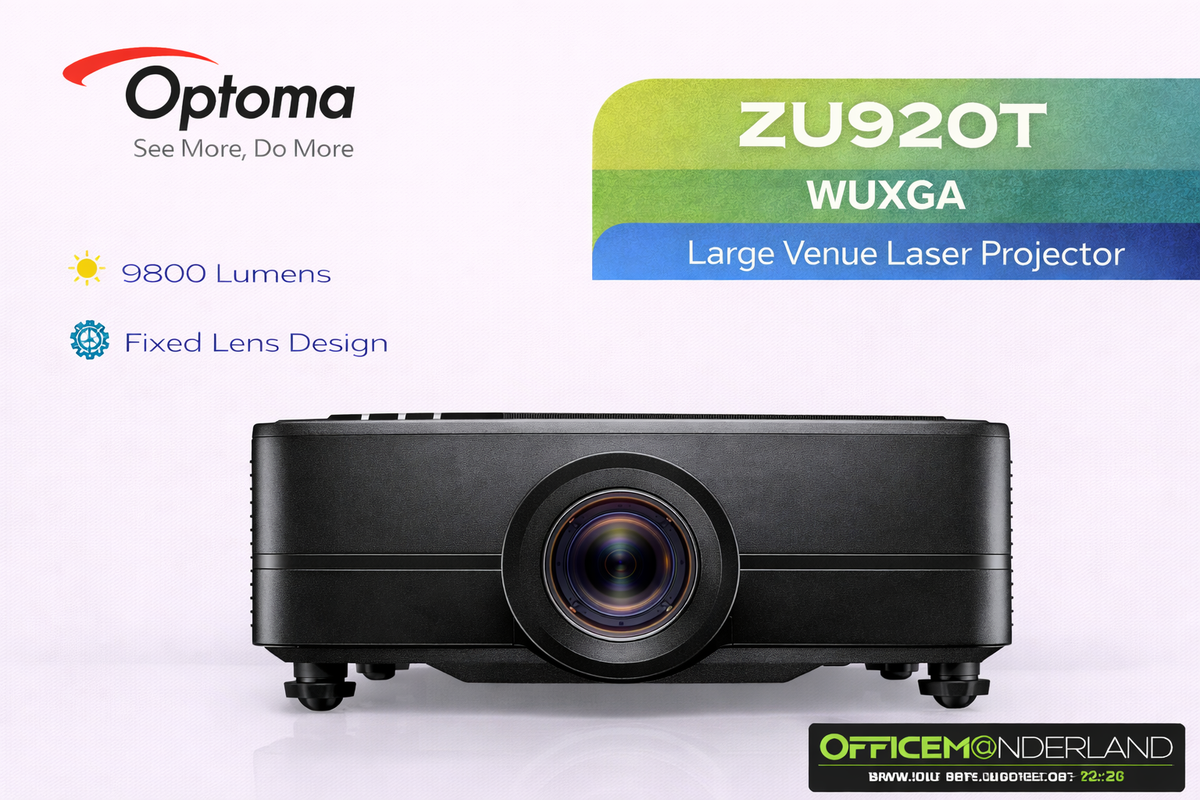
ZU920T
- Brightness: 9,800 lumens
- Resolution: WUXGA
- Throw ratio: 1.25–2.0:1
ZU820T
- Brightness: 8,200 lumens
- Resolution: WUXGA
- Throw ratio: 1.25–2.0:1

ZU707T
- Brightness: 7,000 lumens
- Resolution: WUXGA
- Light source: DuraCore laser
ZU607T
- Brightness: 6,500 lumens
- Resolution: WUXGA
- Light source: DuraCore laser
| Model | Brightness | Native resolution | Throw type | Recommended applications |
|---|---|---|---|---|
| ZU920T | 9,800 lumens | 1920 × 1200 WUXGA | Standard throw | Large auditoriums, worship, museums and multi-projector installations |
| ZU820T | 8,200 lumens | 1920 × 1200 WUXGA | Standard throw | Lecture halls, conference centers and medium-to-large venues |
| ZU707T | 7,000 lumens | 1920 × 1200 WUXGA | Standard throw | Corporate AV, education, worship and event spaces |
| ZU607T | 6,500 lumens | 1920 × 1200 WUXGA | Standard throw | Conference rooms, classrooms and smaller sanctuaries |
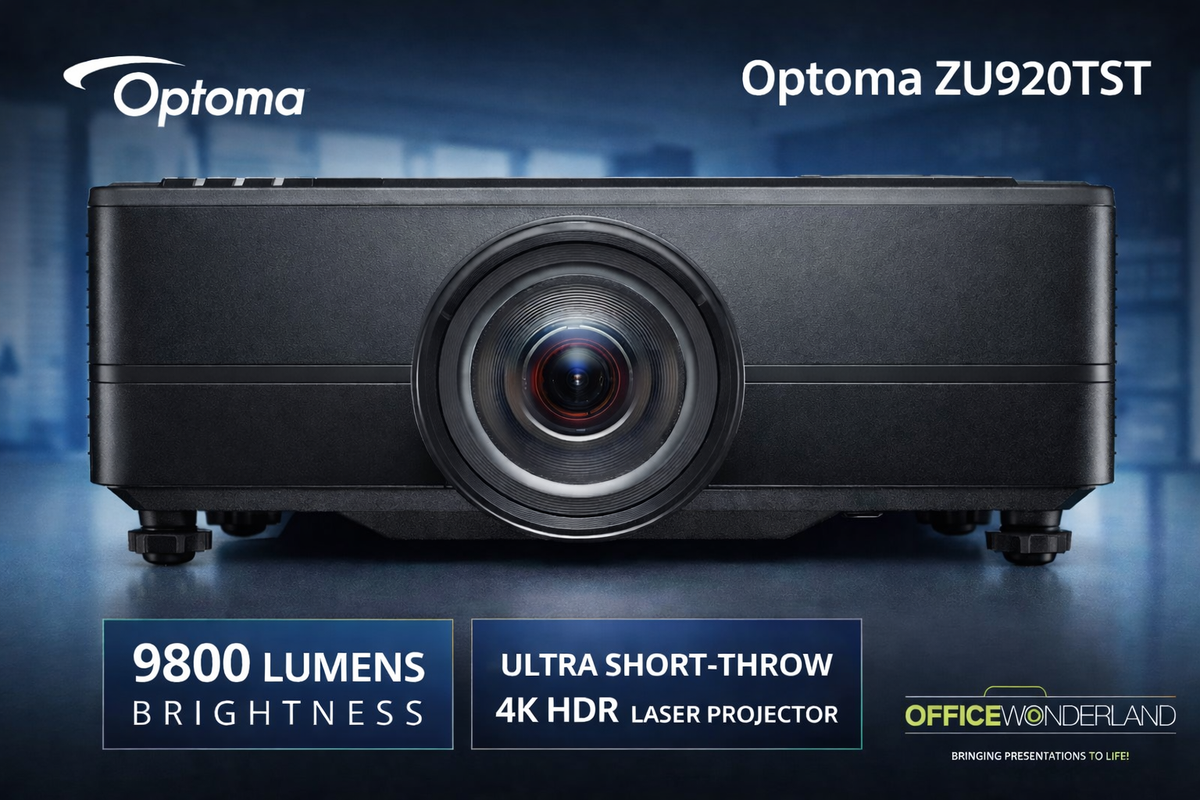
Short throw and TST projectors
Large Images with Less Mounting Distance
Short-throw projectors can reduce shadows and simplify projector placement in golf simulators, immersive rooms, classrooms and professional installations.
- Calculate distance from the exact throw ratio and usable screen width
- Verify lens shift, offset and mounting clearance
- Match resolution and brightness to the application
Professional Short-Throw & Simulation
High-output models for larger golf bays, training rooms and immersive installations.
Compact Commercial & Education
Short-throw models for classrooms, conference rooms and compact simulator spaces.
Portable Short-Throw
Compact projectors designed for mobile presentations and space-conscious use.
Brightness planning
Match Projector Output to the Room
Use these ranges only as preliminary planning guidance. Final output depends on image size, ambient light, screen gain, content and the desired image brightness.
Golf simulator planning
Reduce Shadows and Protect the Hitting Zone
A short-throw projector can create a large image while remaining above or behind the golfer. The final mounting distance must be calculated from the selected projector’s exact throw ratio and the usable screen width.
- Compact Full HD: Consider ZH451ST or GT2000HDR for controlled-light bays
- Professional WUXGA: Consider ZU607TST, ZU820TST or ZU920TST for larger, brighter bays
- Premium 4K: Consider ZK608TST or ZK810TST when fine simulation detail is a priority


Large venue and interchangeable lens
Projection for Auditoriums, Museums and Staging
Large-venue Optoma projectors offer higher light output and specialized lens choices for demanding installation geometry.
- High-brightness laser illumination
- Interchangeable lens options on selected models
- Geometric correction and edge blending on compatible models
- Professional network and control integration
| Model | Published brightness | Resolution | Lens configuration | Best fit |
|---|---|---|---|---|
| ZU2200 | 18,500 lumens | WUXGA | Interchangeable | Large auditoriums, staging and immersive installations |
| ZU1900 | 16,000 lumens | WUXGA | Interchangeable | Museums, live events and large-format visualization |
| ZU1700 | 14,500 lumens | WUXGA | Interchangeable | Auditoriums, worship and rental staging |
| ZK1320 | 13,500 lumens | 4K UHD+ | Lens sold separately | Detailed visualization and premium 4K installations |
Optoma technologies
Smarter Tools for Demanding AV Installations
Feature availability varies by model. Confirm every required installation, control, orientation and image-processing capability before ordering.
DuraCore Laser
Solid-state illumination supports fast startup and helps reduce routine lamp maintenance compared with lamp-based projection.
Flexible Orientation
Selected models support portrait and varied-angle positioning for museums, stages, simulation and creative installations.
Geometric Correction
Compatible models can adjust image geometry when the projector or projection surface is unconventional.
Edge Blending
Combine compatible projectors to create wider panoramic images for exhibits, stages and immersive environments.
Professional Control
Selected models support RS-232, HDBaseT and network control for commercial AV system integration.
Optoma Management Suite & OMS Cloud
Compatible devices can be monitored, diagnosed and controlled centrally. Cloud, local-network and device support vary by solution.
Why OfficeWonderland
Commercial AV Support Before and After the Sale
Our commercial AV team helps buyers compare the correct brightness, resolution, throw ratio, lens configuration and installation features.
Authorized Optoma Dealer
Genuine Optoma products with manufacturer-backed warranty coverage.
Project Pricing
Quote support for multi-unit and project-based purchases.
Purchase Orders
Support for qualified schools, universities and government buyers.
AV Selection Help
Guidance based on screen width, mounting distance, room light and application.
Optoma projector FAQ
Common Buying Questions
Which Optoma models are standard-throw professional installation projectors?
The fixed-lens standard-throw professional group featured here includes ZU607T, ZU707T, ZU820T and ZU920T. Verify current availability and exact specifications on each product page.
Do Optoma model numbers ending in ST indicate short throw?
Optoma commonly uses ST or TST in model names for short-throw projectors. Naming can vary by product generation or region, so always verify the published throw ratio and installation specifications before ordering.
What is the difference between the ZU920T and ZU920TST?
The ZU920T uses a standard-throw fixed lens, while the ZU920TST is designed for shorter mounting distances. Confirm throw ratio, lens shift and mounting geometry for the exact installation.
Which Optoma projector is best for a golf simulator?
The correct projector depends on image width, mounting distance, resolution, aspect ratio and room lighting. Common paths include ZH451ST for compact Full HD bays, ZU607TST or ZU820TST for brighter professional systems, and ZK608TST or ZK810TST for 4K installations.
Do Optoma laser projectors require lamp replacements?
Laser models use solid-state illumination instead of a conventional replaceable lamp. Rated operating life, dust protection and maintenance requirements vary by model.
Should I choose WUXGA or 4K UHD?
WUXGA is well suited to professional presentations and 16:10 content. Choose 4K UHD when fine detail, simulation graphics, visualization or premium video content is a priority.
How do I calculate projector throw distance?
As a planning estimate, multiply usable image width by the projector throw ratio. A model with a throw-ratio range provides approximate minimum and maximum lens-to-screen distances. Lens shift, offset and installation clearances must also be checked.
How many lumens do I need?
Brightness depends on screen size, ambient light, screen gain, content and desired image luminance. Use the planning ranges above as a starting point, then verify the installation before ordering.
Do Optoma installation projectors include a lens?
Fixed-lens models include an integrated lens. Some large-venue interchangeable-lens projectors are sold without a lens, so check the product listing and choose a compatible lens based on image size and mounting distance.
Can Optoma projectors be mounted in portrait or at an angle?
Selected Optoma laser installation projectors support portrait or varied-angle positioning. Availability varies by model, and the mount, ventilation and image-processing requirements must be verified.
What is Optoma Management Suite?
Optoma Management Suite is a centralized device-management platform for compatible Optoma equipment. Monitoring, diagnostics, remote control, cloud access and local-network functions vary by product and configuration.
Can OfficeWonderland provide school or government pricing?
Yes. OfficeWonderland supports qualified education, government and tax-exempt buyers and can accept purchase orders from approved organizations.
Why buy from an authorized Optoma dealer?
An authorized dealer can provide genuine products, manufacturer-backed warranty support, compatible accessory guidance and project-pricing assistance. OfficeWonderland serves commercial, education, government and house-of-worship customers.
Need Help Choosing an Optoma Projector?
Send us your screen size, image width, throw distance, room lighting and application. Our commercial AV team will help narrow the options.